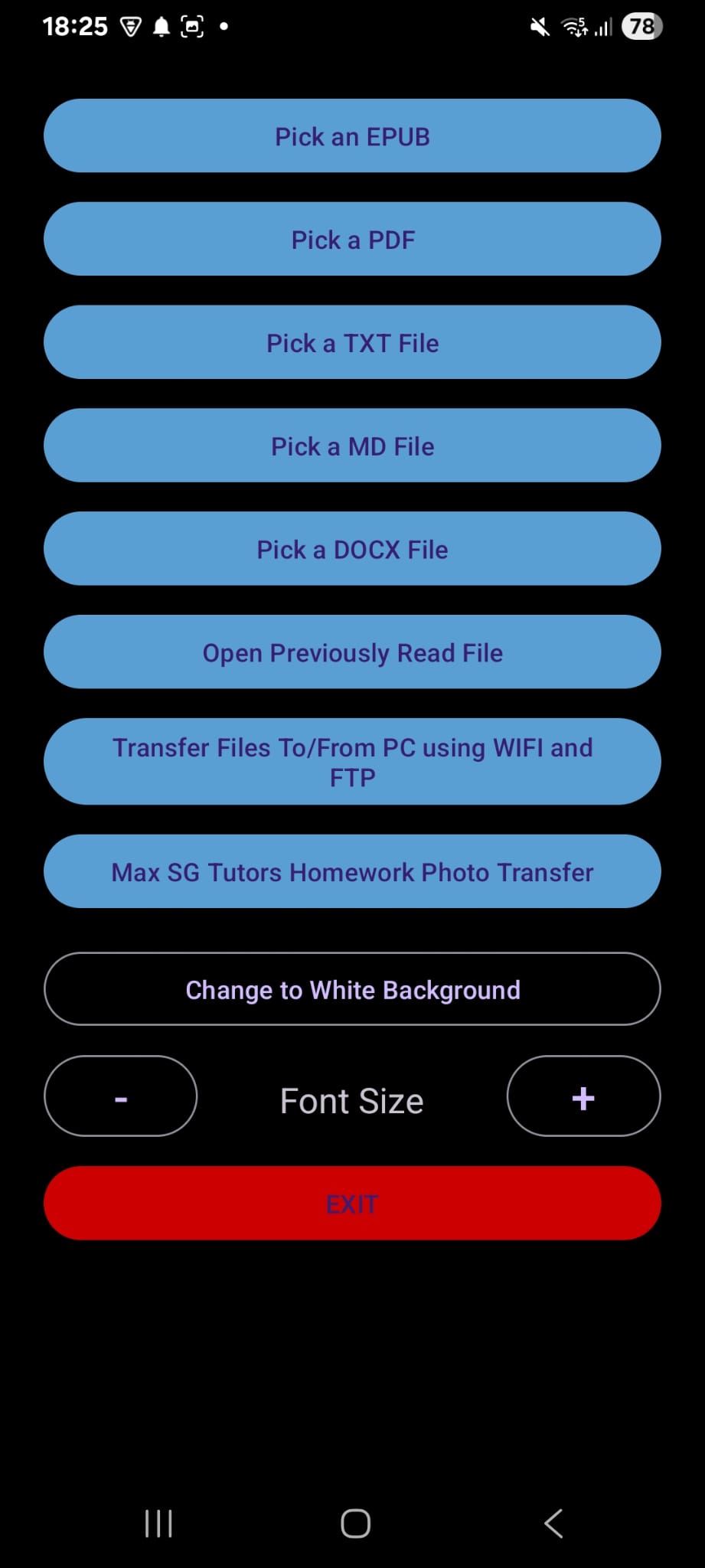
Send homework photos with Quick Reader
Quick Reader for Android includes a shortcut that opens the Max SG Tutors question form in your phone's browser. It uses the website's normal sign-in, so your question is posted under your Max SG Tutors account.
- Install or update Quick Reader from Google Play.
- Open Quick Reader and tap Max SG Tutors Homework Photo Transfer.
- Sign in when asked, complete the question form, and tap Choose homework photos to upload. You can attach up to three photos.
- After posting, use Android's Back button or gesture to return to Quick Reader.
Quick Reader is optional. You can always upload homework photos directly in your browser without using the app.